Stop Learning AI. Give It One Job.

Most people do not get stuck with AI because the technology is too hard.
They get stuck because their normal work already has momentum.
The phone rings. A customer texts. A form needs to be filled out. A photo has the information. A driver needs the schedule. A quote has to go out. The business keeps moving, so the old way keeps winning.
That is the first AI hump: not knowing where AI belongs in the work.
The way over it is smaller than most people think.
Do not start by trying to automate the whole business. Do not start by learning every AI tool. Do not start by asking an agent to run everything.
Start by giving AI one job.
The first useful AI job has a shape
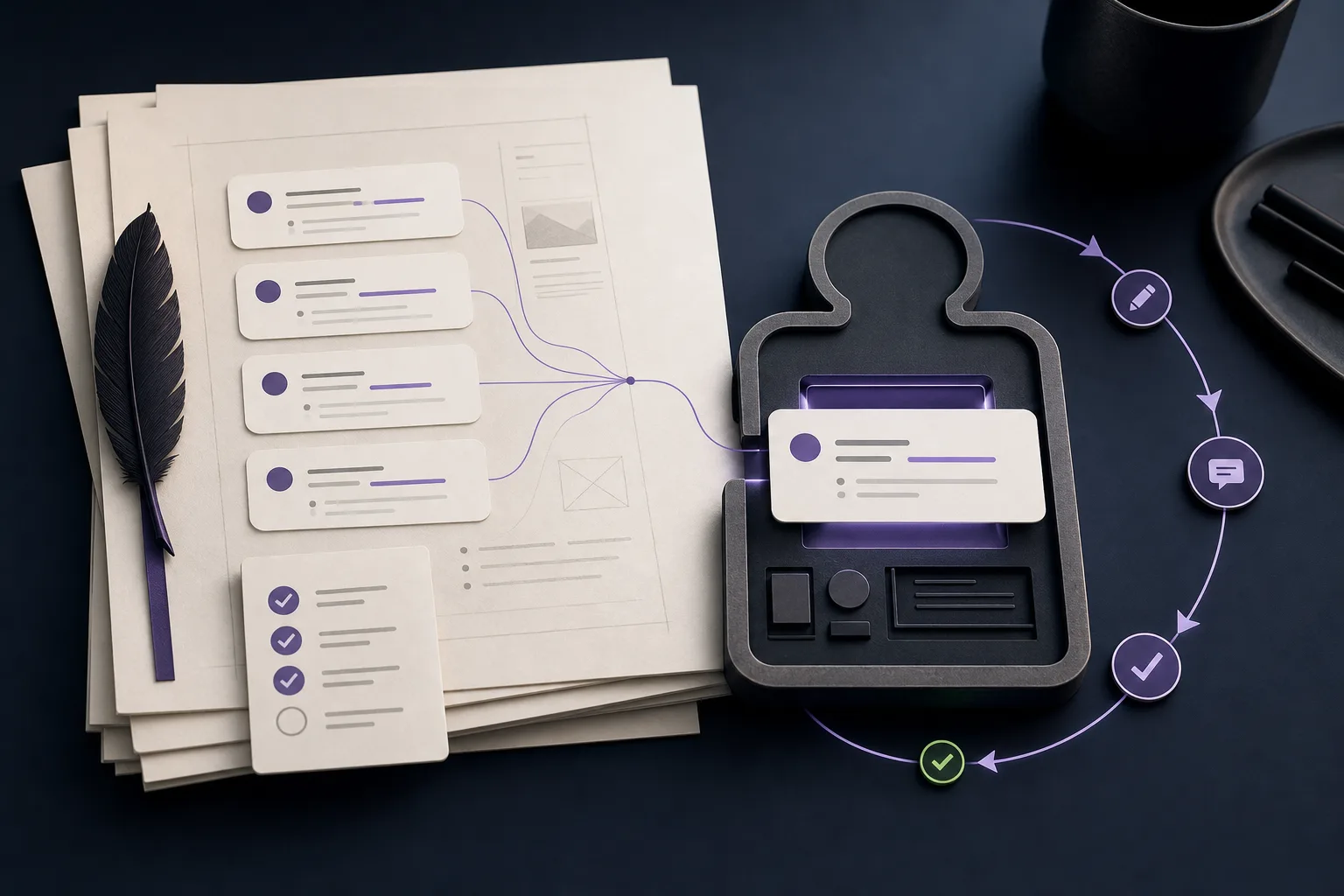
A good first AI task has a clear input and a clear output.
Something comes in:
- a customer message;
- a photo;
- a scanned document;
- an email;
- a form;
- a calendar request;
- a list of trip details.
Something needs to come out:
- clean notes;
- missing-field questions;
- a filled workform;
- a PDF;
- a quote draft;
- a schedule check;
- a confirmation message;
- a human approval prompt.
That shape matters because AI is easier to trust when the job is bounded. You can see whether it extracted the right address, found the right date, missed the passenger count, or drafted a reply that needs correction.
A bad first task sounds like this:
Make my business automated.
A good first task sounds like this:
Read this customer message, pull out the trip details, and tell me what is missing before I quote it.
That is the difference between a vague wish and a useful helper.
Example: turn images into work, not retyping
A lot of business work begins with an image.
Someone sends a photo of a license, a receipt, a job sheet, a whiteboard, a dashboard, a vehicle label, an inspection note, a handwritten form, or a piece of equipment with the important numbers on it.
The old workflow is familiar:
- Open the image.
- Zoom in.
- Squint at the text.
- Copy the details somewhere else.
- Reformat the information.
- Check whether a field is missing.
- Turn it into a PDF, work order, or internal note.
AI can take the first pass.
It can read the image, pull out names, dates, addresses, numbers, item descriptions, totals, vehicle details, or job notes. It can place those details into a workform. It can draft a PDF summary. It can flag the fields it could not read. It can ask for a clearer image when the source is bad.
That does not make the business “AI-powered” in some grand way. It just removes the retyping, formatting, and first-pass cleanup from work that already exists.
That is a real win.
Example: a limo company does not need to start with full automation
A limo company gets requests from everywhere:
- text messages;
- phone notes;
- website forms;
- emails;
- social messages;
- repeat customers who assume someone remembers their usual route.
A customer might write:
Need an SUV from MCO to the Grand Floridian next Friday. 5 people. Landing around 2:10. Can you do it?
There is useful structure in that message:
- service type: airport transfer;
- pickup: MCO;
- destination: Grand Floridian;
- day: next Friday;
- time anchor: landing around 2:10;
- passenger count: 5;
- likely vehicle type: SUV;
- missing fields: airline, flight number, contact number, luggage count, child seats, exact date if “next Friday” is ambiguous.
A first AI helper does not need to book the ride by itself.
It can extract the trip details, identify what is missing, check the calendar for possible availability, and draft a reply:
I can check that for you. I have MCO to Grand Floridian, next Friday, five passengers, SUV requested, flight landing around 2:10. What airline and flight number should we track, and how many bags will you have?
That saves time before any risky automation happens.
The human still approves the quote. The human still confirms the booking. The business rules still decide pricing, deposits, cancellation policy, vehicle assignment, and driver dispatch.
AI is not replacing judgment. It is preparing the work so judgment is faster.
The ladder: assistant first, agent later
The mistake is trying to jump straight from manual work to full autopilot.
A safer ladder looks like this:
1. Extract. AI reads the source and pulls out the useful information.
For a limo company, that could be pickup time, pickup address, drop-off address, passenger count, vehicle request, flight number, event type, special instructions, and missing details.
2. Draft. AI prepares a reply, quote outline, internal trip note, or customer confirmation.
The human reviews it before sending.
3. Check. AI compares the request against rules:
- Is the date clear?
- Is the pickup address complete?
- Is the trip inside the service area?
- Is there enough time between rides?
- Is the requested vehicle available?
- Does this need a deposit?
- Does a human need to approve an exception?
4. Assist the schedule. AI can suggest available windows or flag conflicts, but it should not silently promise availability unless it is connected to the real calendar and the business has defined the rule.
5. Act inside boundaries. Only after the earlier steps are reliable should an agent take limited action:
- create a draft booking;
- hold a slot;
- send an intake question;
- prepare a driver packet;
- update a CRM note;
- notify a human about an exception.
That is agent work. It needs boundaries.
The agent should know what it can do, what it cannot do, when it must ask, and what proof it should leave behind.
A limo company’s normal operations are already a workflow
The business may not call it a workflow, but it has one.
A request comes in. Someone figures out what the customer needs. Someone checks the schedule. Someone quotes the ride. Someone confirms the booking. Someone prepares the driver. Someone follows up afterward.
AI can help at each step without taking over the whole chain.
Lead intake: AI reads messages and turns messy requests into structured trip details.
Qualification: AI asks for missing date, time, address, flight, passenger, luggage, vehicle, or special-request details.
Quoting: AI drafts a quote using approved pricing rules or prepares the information a human needs to quote.
Scheduling: AI checks for conflicts, gaps, travel time, vehicle availability, and driver availability when connected to the right systems.
Confirmation: AI drafts a clear confirmation with trip details, policies, and next steps.
Operations: AI prepares a driver packet with pickup details, customer notes, route notes, flight tracking, and special instructions.
Follow-up: AI drafts a receipt, review request, thank-you note, or internal issue log.
None of that requires a science-fiction robot dispatcher. It requires clear pieces of work with rules, review points, and proof.
Use the first-hump checklist
If you are trying to find the first AI job in a business, ask these questions:
- What task repeats every week?
- What information comes in?
- What output do we create from it?
- Where do humans copy, retype, summarize, or reformat?
- What mistakes happen when someone is rushed?
- What questions do we ask customers over and over?
- What decisions must stay human?
- What would count as a safe first win?
The answer is usually not “automate everything.”
It is something like:
- pull trip details from customer messages;
- extract data from photos into a workform;
- draft replies for missing booking details;
- summarize a job request for dispatch;
- create a PDF from an intake form;
- flag schedule conflicts before a human confirms.
That is enough to start.
Keep the human in charge until the workflow earns trust
The first version should usually be assistant mode.
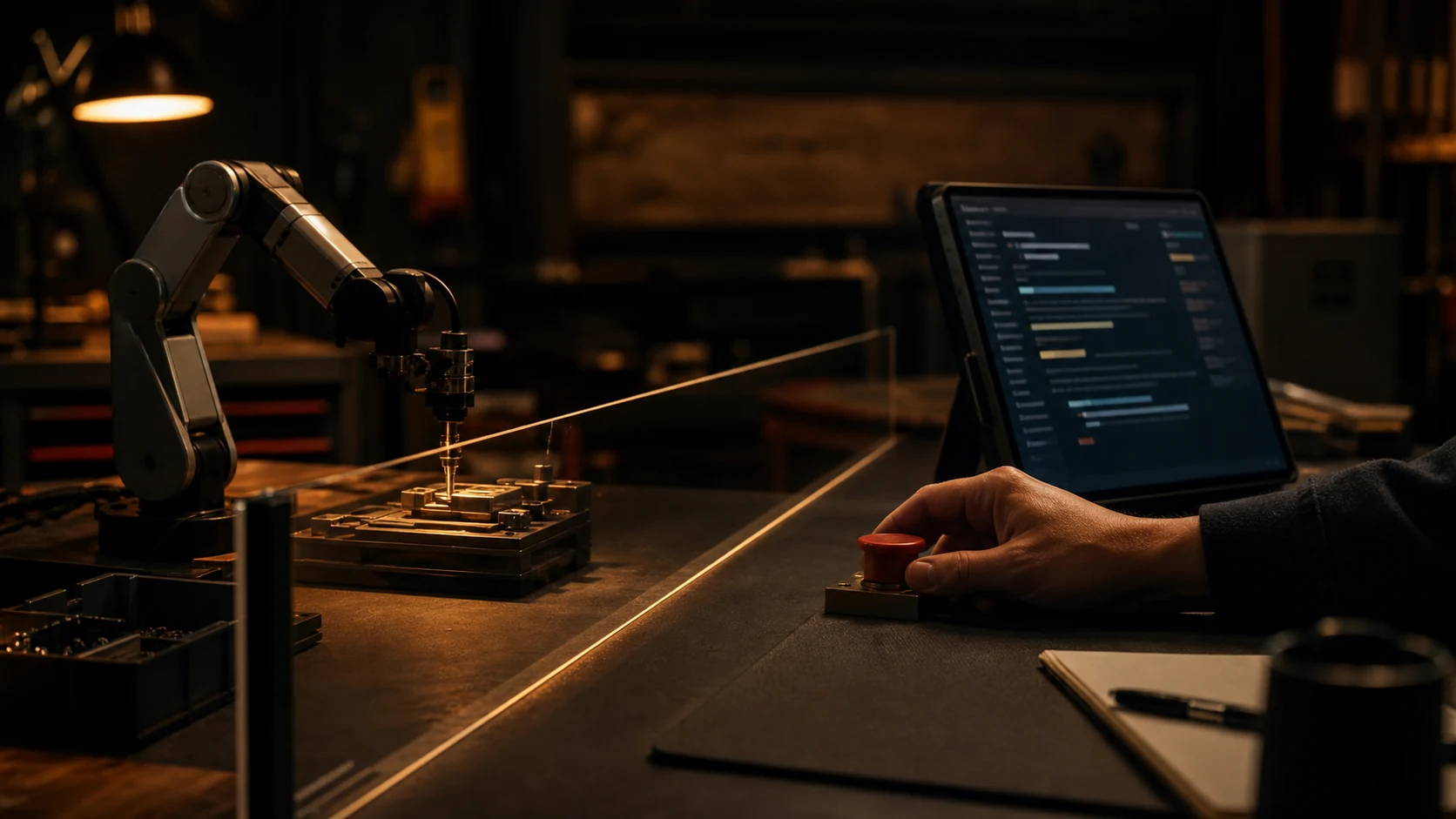
AI extracts. AI drafts. AI checks. AI asks. The human approves.
That approval step is not a weakness. It is how the business learns what the AI is good at, where the rules are unclear, and what should never be automated without review.
Once the helper is consistently useful, you can move one piece at a time into agent mode.
Maybe the agent can ask missing-detail questions without approval. Maybe it can create draft bookings. Maybe it can prepare driver packets. Maybe it can update a workform after a human approves the extracted details.
But each new permission should be earned by proof.
The point is not to use AI. The point is to remove drag.
A business does not need AI theater.
It needs less retyping. Fewer missed details. Faster replies. Cleaner handoffs. Better notes. Fewer schedule mistakes. Less mental load on the person who already knows how the business works.
That is why the first job matters.
One useful AI helper changes the question from:
What can AI do?
To:
What else in this business has a clear input, a repeated decision, and an output we can improve?
That is the real start of automation.
Not a giant leap. Not a full rebuild. One job that makes the next job easier.
Share this article
If this helped, pass it along.